3 minutes 41 seconds · Pause and replay as needed
Good Sleep Test
How to set up your Sleep Test
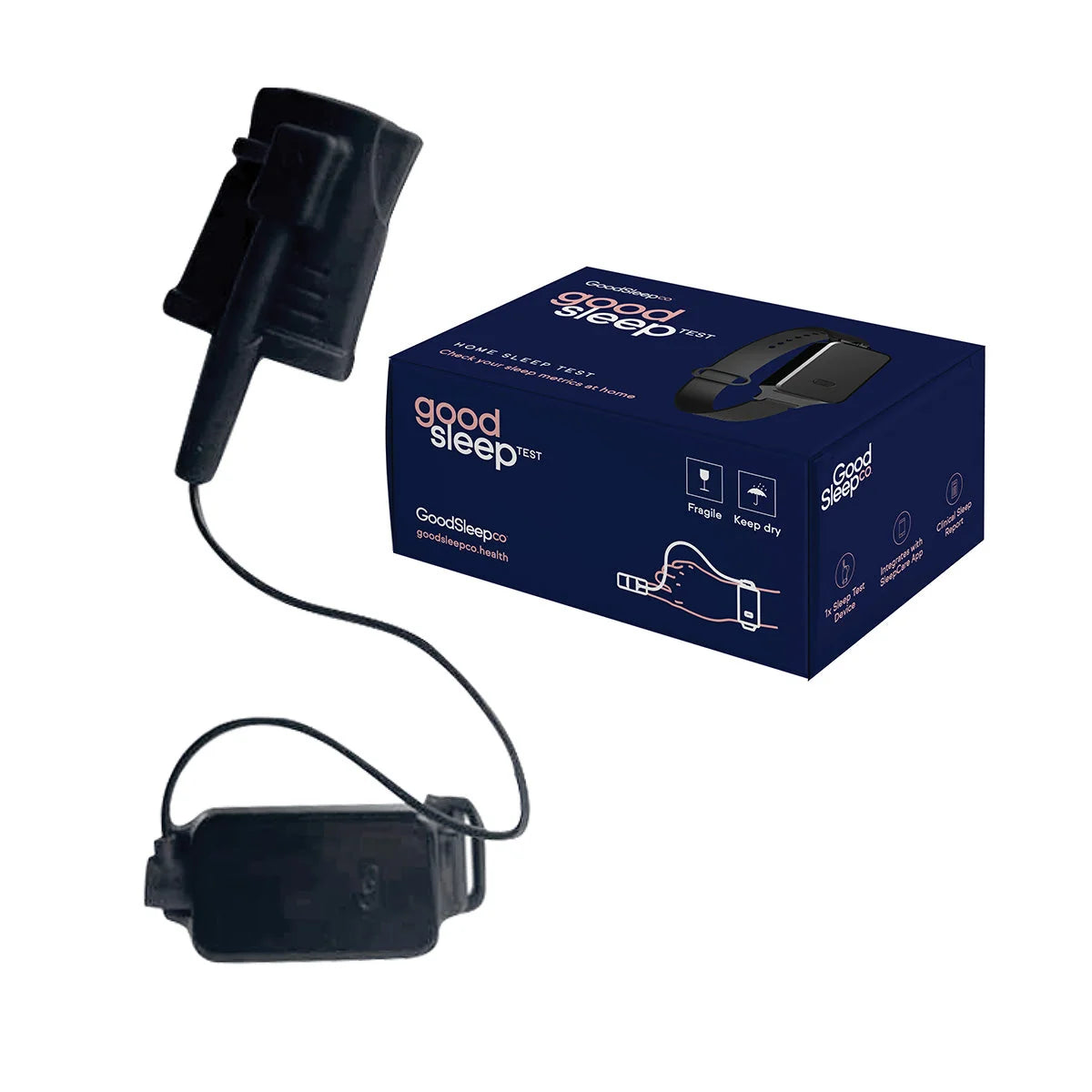
Prepare your kit, set up SleepCare and follow your assigned study. Keep your phone and kit beside you as you work through the guide.
Before you start
Have these ready
- Your charged wrist device, finger sensor and charging cable.
- Your smartphone with an internet connection.
- Your order or study email, so you can use the right account.
Keep your kit together beside you while you watch the setup video.
Next: set up SleepCareSet up the SleepCare app
Choose the app for your phone. If SleepCare is already installed, open it and start with step 1 below.
Step 1 of 3: Sign in with your study email
Use the email address linked to your sleep study and confirm your details. If you are unsure which email was used, contact our team before creating another account.
Step 2 of 3: Connect your device
Keep your device nearby and turn on Bluetooth. Follow the pairing prompts in SleepCare and allow the permissions needed for the connection.
Step 3 of 3: Check that your study appears
Look for your assigned study in the app. If it is missing, check the help below before your test night.
Your test night
Open your assigned study
Follow the setup prompts in SleepCare for your wrist device and finger sensor, then follow the recording prompts.
Record the number of nights assigned to you. If your app and study email show different instructions, contact our team before starting.
Next: finish & uploadFinish and upload your recording
Step 1 of 3: Follow the completion prompts
Use SleepCare’s prompts to finish your study and upload your recording.
Step 2 of 3: Keep your phone connected
Keep your internet connection while the upload is in progress.
Step 3 of 3: Check the upload result
Read the message in SleepCare to confirm the upload has finished. If the recording is missing or an error appears, contact our team with the message you see.
Questions & help
I can’t see my assigned study. What should I do?
Check that you are signed in with the email associated with your sleep study. If it still does not appear, contact our team.
My device won’t connect to the app.
Check the device is charged, Bluetooth is on and the app has the permissions it needs. Follow your device-specific pairing instructions. If it still won’t connect, contact us.
How many nights should I record?
Follow the study assigned in SleepCare and the instructions sent by our team. Ask us if the instructions do not match.
Where do I find my results?
Follow the results instructions sent by our team. Contact us if you need help confirming whether your study has been received or your report is ready.
Need help with a step?
Tell us which product you have and where you’re stuck. Our team can help.